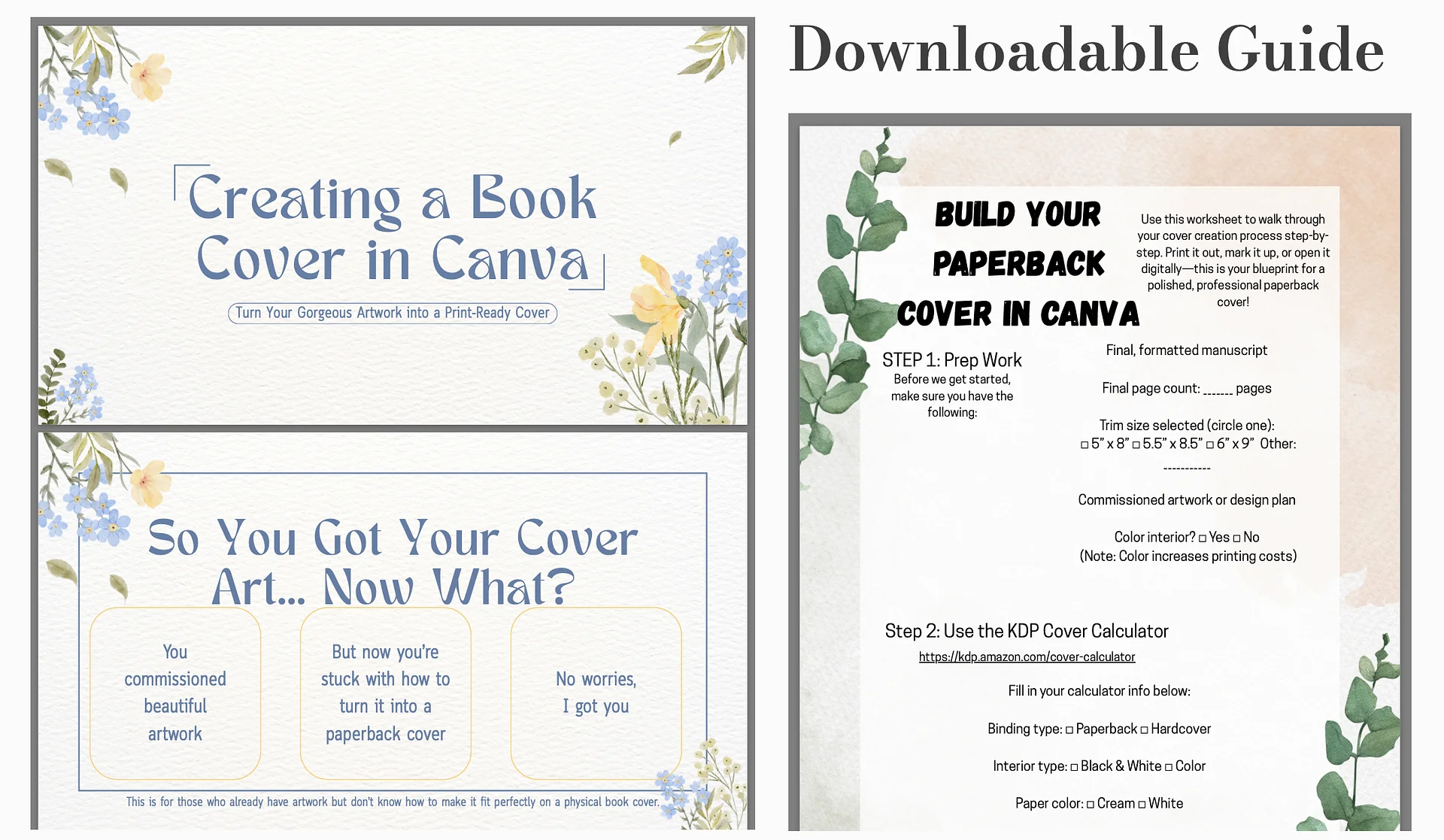
Canva Cover How-To
How to Design a Print-Ready Paperback Cover in Canva (with Your Own Art)
Welcome, creative powerhouse! You’ve got your stunning cover art—whether it’s from a professional artist, a custom commission, or a piece you designed yourself. But now you’re wondering:
How do I turn this artwork into a full paperback cover that fits KDP specs and looks legit?
Let’s walk through it. This guide will take you from “What the hell is bleed?” to “Holy moly, I just made a professional wrap cover in Canva.”
What You Need Before You Start
Before you even open Canva, make sure you have:
Final, formatted manuscript
Page count of your interior file
Your trim size (we’ll be using 5.5" x 8.5" in this guide)
Your cover art (front-focused or wrap-around)
A blurb or back cover content
Patience, caffeine, and a Canva account
With TWO downloadable guides and 6 easy to follow steps to create a perfect bound cover!